

Documentation Index
Fetch the complete documentation index at: https://samsara-showcase.mintlify.app/llms.txt
Use this file to discover all available pages before exploring further.
Overview
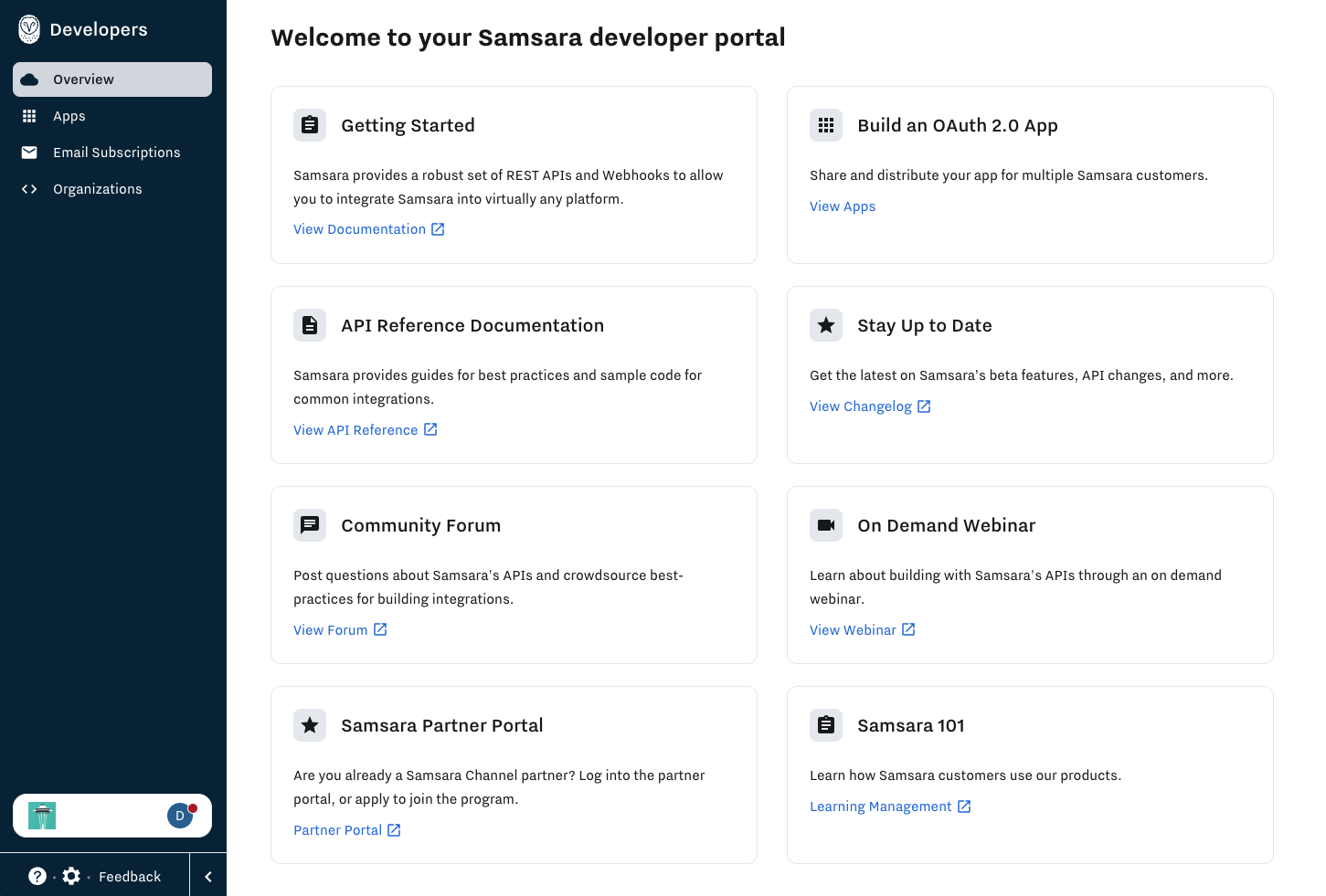
The Partner Developer Portal gives external developers a Samsara home to draft apps, test in a non-production environment (sandbox), access learning resources, and create and manage apps for the App Marketplace.If you received an invite to join the Developer Portal, but your invite has expired, please reach out to Samsara Support and they can issue an invite again. Be sure to check your spam folder.
Create Marketplace Apps
You can create Samsara Marketplace apps using App Publisher. Navigate to Apps in your developer portal to begin.Learn more about the app lifecycle and our Marketplace certification program in Create and Manage Apps.
Access your Sandbox
A sandbox org will be added to your developer portal on the Organizations page.Learn more about Sandboxes.
Add Users
Navigate to Settings (the gear icon in the bottom left corner of your screen) then Users & Roles. Click Invite User in the top right corner of your screen. To navigate back to your Developer Portal, click on your profile, then View My Organizations, then select your Developer Portal organization.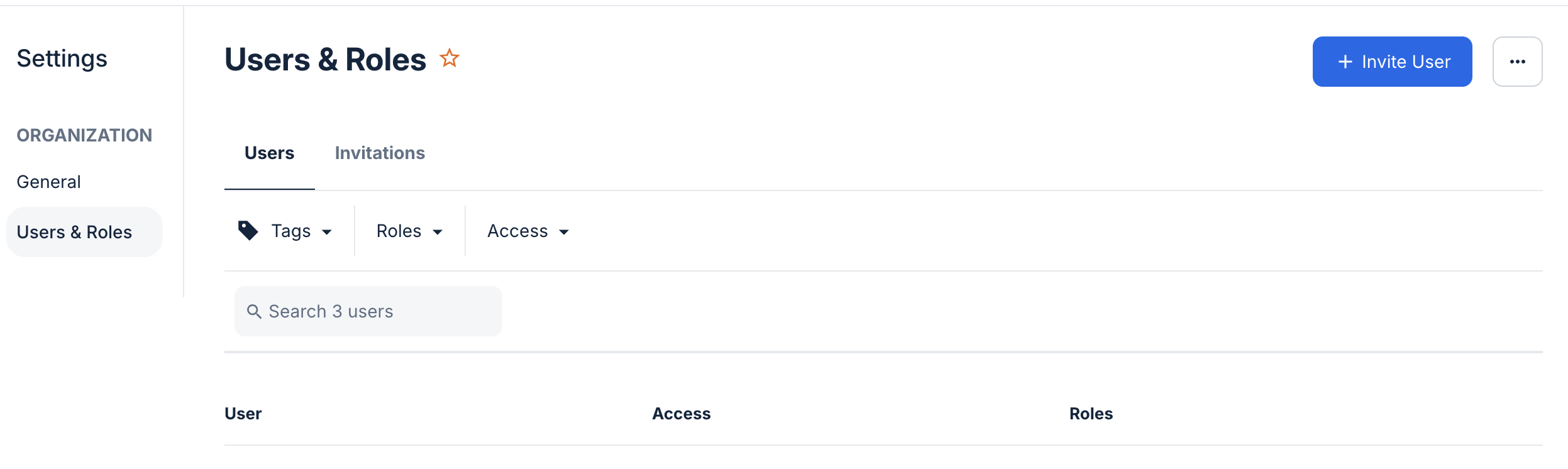
Manage Subscriptions
- API Changelog updates
- Webhook Changelog updates
- Link to subscribe to status updates for Samsara’s services (including API)