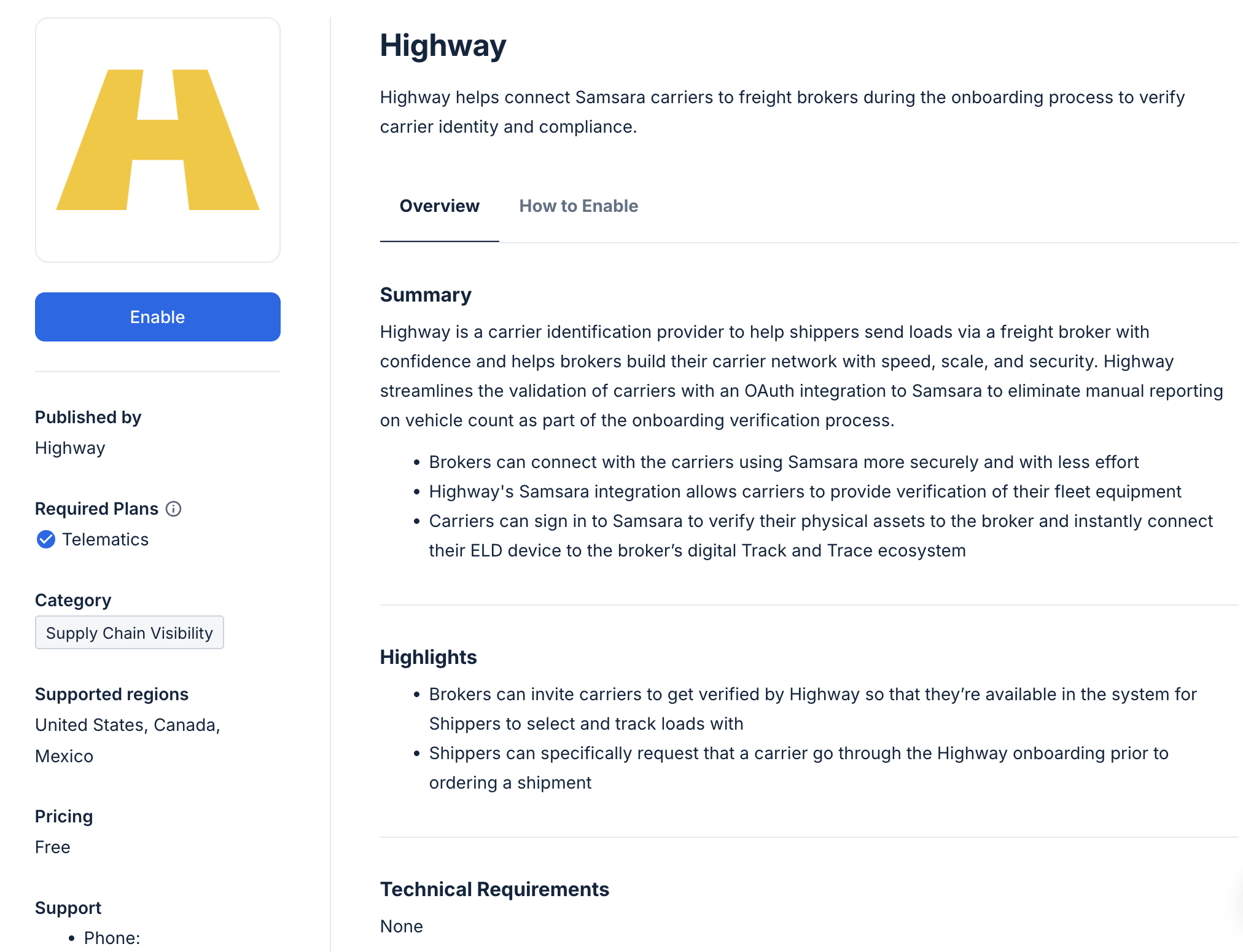
Samsara’s App Marketplace gives customers a seamless experience across platforms as they unlock the power of connected solutions with real-time data for their physical operations. Published apps are discoverable in the Samsara dashboard for one-click installs under Settings > Apps, as well as listed on our public site. Learn more.Documentation Index
Fetch the complete documentation index at: https://samsara-showcase.mintlify.app/llms.txt
Use this file to discover all available pages before exploring further.
Create Marketplace Apps
You can create Samsara Marketplace apps using App Publisher in your developer portal.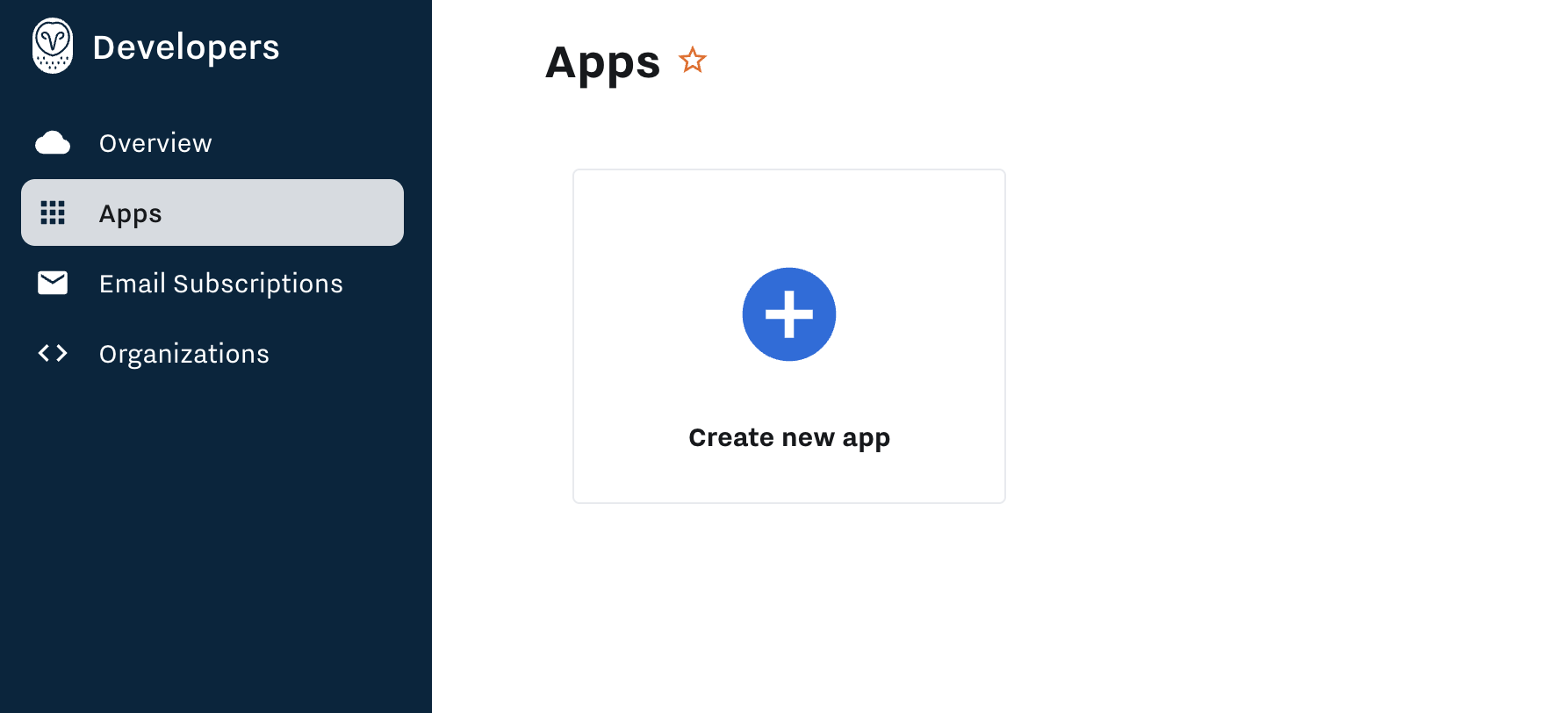
App States
App Publisher supports Marketplace apps through the complete lifecycle, from draft to beta to reviewed and published. You can also version your app to make updates over time.- Draft: app development phase. Set authentication method (OAuth 2.0). Select required resource scopes based on the API endpoints you will access. Test the integration in your test org.
- Beta: pilot app with beta customers. Use a direct install URL for OAuth 2.0 apps or a “beta code” for API Token apps. Note that API token apps are a legacy authentication method.
- Ready for Review: submit app to Samsara for Marketplace certification. Apps are reviewed on a quarterly basis.
- Public: your published app is discoverable for one-click installs in the dashboard, and will also be listed on the public website.
Authentication
Apps use OAuth 2.0 (recommended as the lowest friction, most secure option for customers) or legacy API Token auth as the mechanism for customers to grant access to your solution.App Details
Provide customer-facing app content for your listing that will help users find your app.- App Name — typically the name of your software.
- Developer Name — your company name, which may be different than the App Name.
- Your Company Website — point users to your site for more information about your solution.
- Tag Line — a one-sentence summary about what your integration to Samsara does.
- Geographies Supported — help users discover your app by region where your solution is available. If your solution is available in the EU, you will need a Samsara developer portal provisioned under the cloud.eu.samsara base URL.
- Integration Category — help users discover your app by basic solution category (e.g. maintenance, insurance, etc.).
- Required Samsara Licenses — specify if any Samsara license(s) are required to access the full integration feature set. Samsara features and APIs are gated by license tier (reference). If the integration uses a gated API endpoint, then include that license as required.
- Integration Pricing Model — are there any costs specific to the integration? This is not asking what your solution business model is, only if customers should expect additional costs when enabling the app.
Listing Details
Provide your marketing content and additional app context to help customers understand what to expect.- Detailed App Summary — explain what the integrated solution does and list any integration features (this content is at the top of your app overview on your App Page).
- Demo — make your app stand out with a customer-facing demo showing how the integration is enabled and what features it unlocks.
- Customer Benefit — explain why customers would want to use your integrated solution (this content appears under “Highlights” on your app overview).
- Technical Requirements — are there any system requirements for the integration? (e.g. software version)
- Instructions for Customer Enablement — clearly describe the steps that a customer must follow to enable data flow between Samsara and your solution. Best practice is to also include a demo recording of the install flow to enable data access.
- Instructions for Contacting Support — provide a contact phone number, email, and/or website form for customers to get integration support.
- Terms of Service URL — this is linked for customers on the overview.
- Your Technical contact email (not customer facing) — provide Samsara with a technical expert on your integration.
- Your Sales contact email (not customer facing) — provide Samsara with a Sales contact to collaborate on go-to-market, if applicable.
Technical Details
- Technical Description (not customer facing) — provide Samsara with a complete explanation of each use case supported by the integration, including endpoints accessed, data requested/populated, frequency, etc. (this will accelerate your app review process).
- Version Release Notes — when you release a new version of your app, explain to customers what is new and why additional resource scopes are required (if applicable).
Scopes
When customers install your app, the scopes you select in App Publisher are automatically assigned to the access token. Select scopes required to access API endpoints used by the integration.App Certification
- Initial App Certification — the first launch of your App will require a dedicated certification review.
- Follow-on App Certification — follow-on versions (see below) will require a lightweight review and typically won’t merit a dedicated review.
App Versions
Use app versioning to make changes to public apps without un-publishing your listing. Typical changes include adding resource scopes or enhancing app content for your App Page.If you add scopes to your app: any customer that has already installed your app will need to approve the additional access requested. Customers can do this in the Samsara dashboard by navigating to Settings > Apps > My Apps and clicking Update.
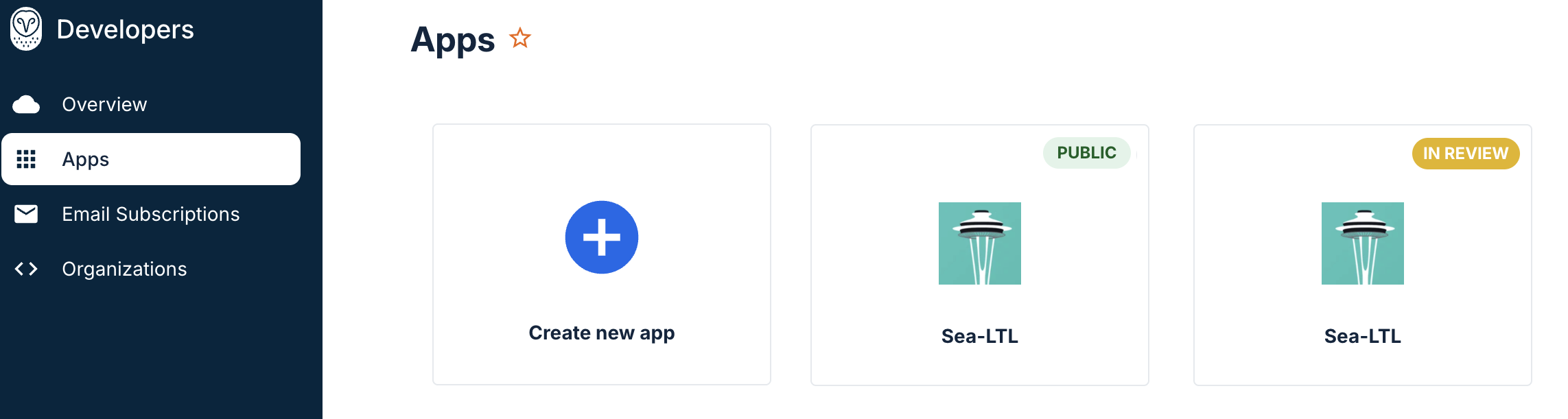
- A second instance of the app appears with the tag In Review.
- When the new version is approved by Samsara, the latest version is promoted to Public.